Battling the Buzz: Why Your Speakers Distort and How to Fix It
Few things are as frustrating as a favorite song ruined by crackling, buzzing, or hissing from your speakers. This isn’t just an annoyance; it signals that something is amiss in your audio setup. Understanding why speakers distort, particularly at higher volumes, is the first step toward enjoying crystal-clear sound once again. This article will demystify common causes of speaker distortion and provide practical, easy-to-follow solutions to help you achieve a cleaner, more enjoyable listening experience.
The Culprits: Understanding Speaker Distortion
Speaker distortion isn’t a single problem but a collection of issues that manifest as unwanted noise. For most home users, the primary culprits fall into two categories: overpowering the speaker and signal degradation. Imagine your speaker as a small engine; force too much fuel (power) into it, and it strains, making irregular noises. Similarly, if the fuel itself (audio signal) is dirty or weak, the engine will run poorly. Let’s break down these two critical factors.
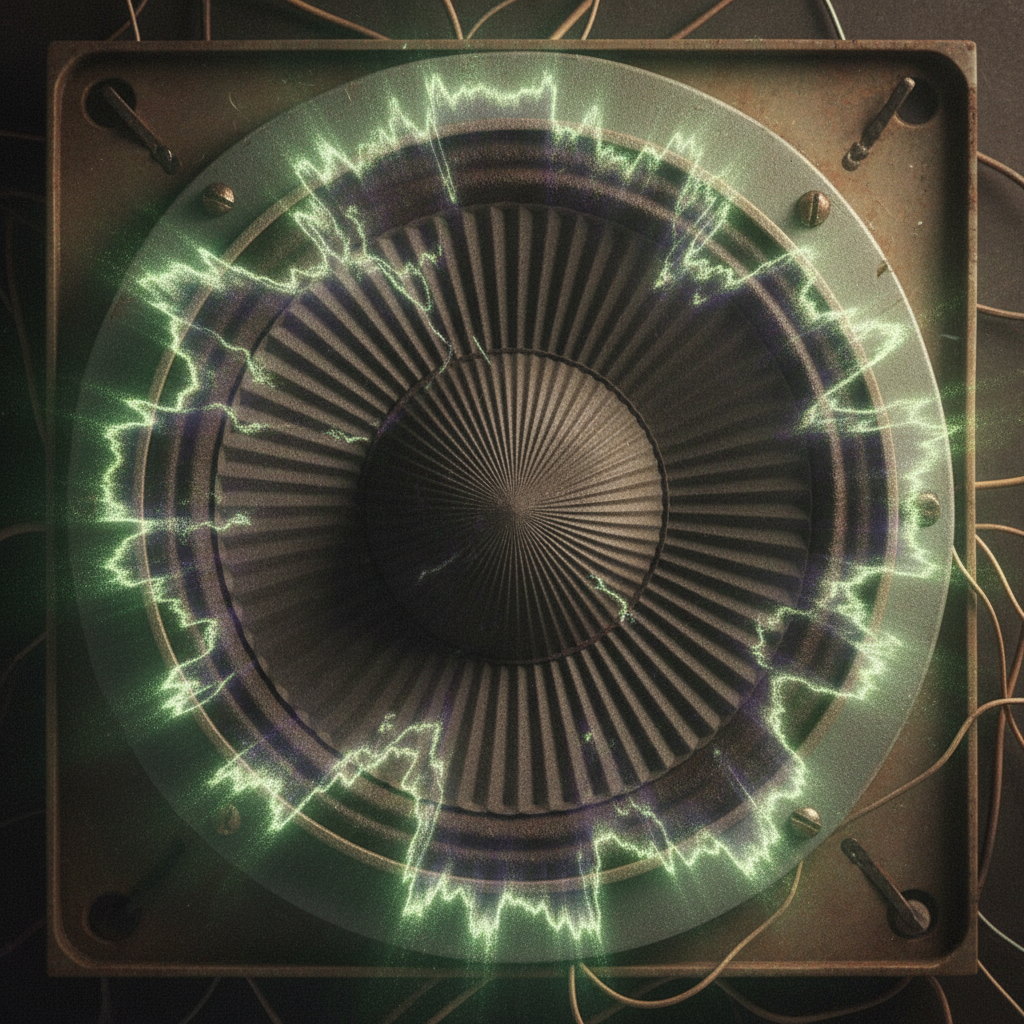
1. Overpowering (Clipping): This is perhaps the most common reason for distortion, especially when you crank up the volume. Your amplifier (the device boosting the audio signal) has a limit to how much clean power it can produce. When you push it beyond this limit, the audio signal gets “clipped” – the peaks and troughs of the sound wave are flattened. This clipped waveform is what the speaker tries to reproduce, resulting in a harsh, buzzy, or crackling sound instead of a smooth, musical note. It’s like trying to draw a perfect circle with a crayon that’s been flattened on one side. This isn’t just an audio quality issue; prolonged clipping can actually damage your speaker drivers over time.
2. Signal Degradation and Interference: The audio signal travels from your source (phone, computer, turntable) to your amplifier and then to your speakers. At any point along this chain, the signal can pick up unwanted interference or become weakened. Common sources include poorly shielded cables, loose connections, or even nearby electronic devices emitting electromagnetic interference. Think of it as static on a radio: the original broadcast is fine, but the signal gets muddled on its journey to you. A weak or “noisy” input signal will directly translate into distorted output from your speakers, even at moderate volumes.
Actionable Fixes: Restoring Clarity to Your Sound
Fortunately, many distortion problems can be fixed with simple adjustments and a little troubleshooting. You don’t need expensive equipment or expert knowledge to significantly improve your audio quality.
1. Volume Management: Taming the Amplifier: The easiest and often most effective solution is to simply turn down the volume. If your speakers distort only at high volumes, your amplifier is likely clipping. Try reducing the volume a notch or two. A good rule of thumb is to find the maximum volume where the sound remains clean and clear, and then stay below that threshold. If you consistently need more volume than your current setup can provide cleanly, consider upgrading your amplifier to one with more power, or your speakers to ones with higher sensitivity (meaning they produce more sound with less power). Remember, more power isn’t always better if your speakers aren’t designed to handle it safely.
2. Inspect Your Connections and Cables: Loose or faulty connections are a surprisingly common source of crackling and buzzing. Power down your entire audio system and meticulously check every cable. Ensure speaker wires are firmly seated in both the amplifier and the speaker terminals, with no stray strands touching each other (which can cause a short circuit). Examine RCA or 3.5mm cables connecting your audio source; swap them out for a different set if you suspect they might be the problem. Using high-quality, properly shielded cables can also reduce interference, particularly in setups where cables run near power cords or other electronics. This step-by-step check often uncovers the culprit with minimal effort.
3. Identify and Isolate Interference: If you hear hums or buzzes even at low volumes, especially when no audio is playing, electrical interference might be the issue. Try moving your audio components further away from other electronics like Wi-Fi routers, cordless phone bases, or power strips. Plugging your audio equipment into a dedicated power outlet, if possible, can sometimes help. In some cases, a “ground loop isolator” can eliminate persistent hums caused by differences in electrical potential between devices, without requiring deep electrical knowledge or risky DIY solutions. This inexpensive device can be plugged in between your audio source and amplifier and often solves persistent hums.
Common Mistakes to Avoid
When troubleshooting distortion, steer clear of these pitfalls:
* Blaming the Speakers First: While speakers can be faulty, amplifier clipping or signal issues are far more common causes of distortion. Always check the signal chain before assuming your speakers are broken.
* Ignoring Wire Gauge: For longer speaker cable runs, using too thin a wire can impede power delivery and subtly degrade sound quality. Stick to recommended gauges (e.g., 16-gauge for typical home setups, thicker for longer runs).
* Underestimating Power Requirements: Don’t try to drive large, power-hungry speakers with a low-wattage amplifier. This often leads to clipping as you try to get sufficient volume. Match your amplifier’s power output to your speakers’ impedance and power handling capabilities for optimal performance and longevity.
By understanding these practical factors – the limits of your amplifier, the integrity of your audio signal, and the simplicity of inspecting your connections – you can effectively diagnose and fix most common speaker distortion issues, transforming your listening experience from grating to gratifying.