Unmasking the Crackle: Why Your Speakers Distort and How to Fix It
Few things are more frustrating than the sudden, unwelcome crackle or buzz that ruins your favorite music, podcast, or movie dialogue. What starts as a subtle hiss can quickly escalate into a full-blown distorted mess, turning an enjoyable listening experience into an irritating ordeal. This common audio problem plagues everything from tiny phone speakers to powerful home theater setups. Understanding why speakers distort and how to address these issues not only improves your sound quality but also helps you prolong the life of your audio equipment. This article will demystify speaker distortion, providing practical explanations, actionable tips, and common mistakes to avoid so you can enjoy crystal-clear audio.
The Culprits Behind the Crackle: Understanding Distortion
Speaker distortion, often manifesting as crackling, buzzing, or hissing, is essentially unwanted noise introduced into the audio signal. While it can sound like a single problem, several underlying factors can contribute to it. Two key technical factors at play here are **signal clipping** and **speaker damage**, both of which significantly impact sound quality.
Signal Clipping: When Your Amplifier Overworks
Think of an amplifier as a volume knob for your audio signal. It takes a small electrical signal from your source (like a phone or a stereo receiver) and boosts it to a level strong enough to drive your speakers. Signal clipping occurs when your amplifier tries to produce a sound louder than its maximum capacity. Instead of accurately reproducing the peaks and valleys of the sound wave, the amplifier “chops off” the tops of these waves, resulting in a flat-topped signal. This squared-off waveform is then sent to your speakers, which can’t reproduce it cleanly, leading to a harsh, distorted, crackling sound. This is very common when you crank up the volume on a low-powered amplifier too high, or when the audio source itself is recorded at too high a level. It’s like trying to fill a small cup with a fire hose – the overflow is messy.
To prevent signal clipping, the most straightforward solution is to reduce the volume. If your speakers still sound quiet after lowering the volume and your amplifier is maxed out, it might be underpowered for your speakers. Consider upgrading your amplifier to one with a higher wattage rating that matches or slightly exceeds the power handling capability of your speakers. Also, check the gain settings on your audio source or amplifier; sometimes, they are set too high, pushing the signal into clipping even at moderate volumes.
Speaker Damage and Wear: The Physical Breakdown
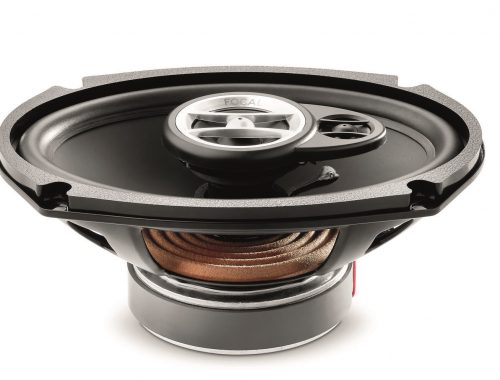
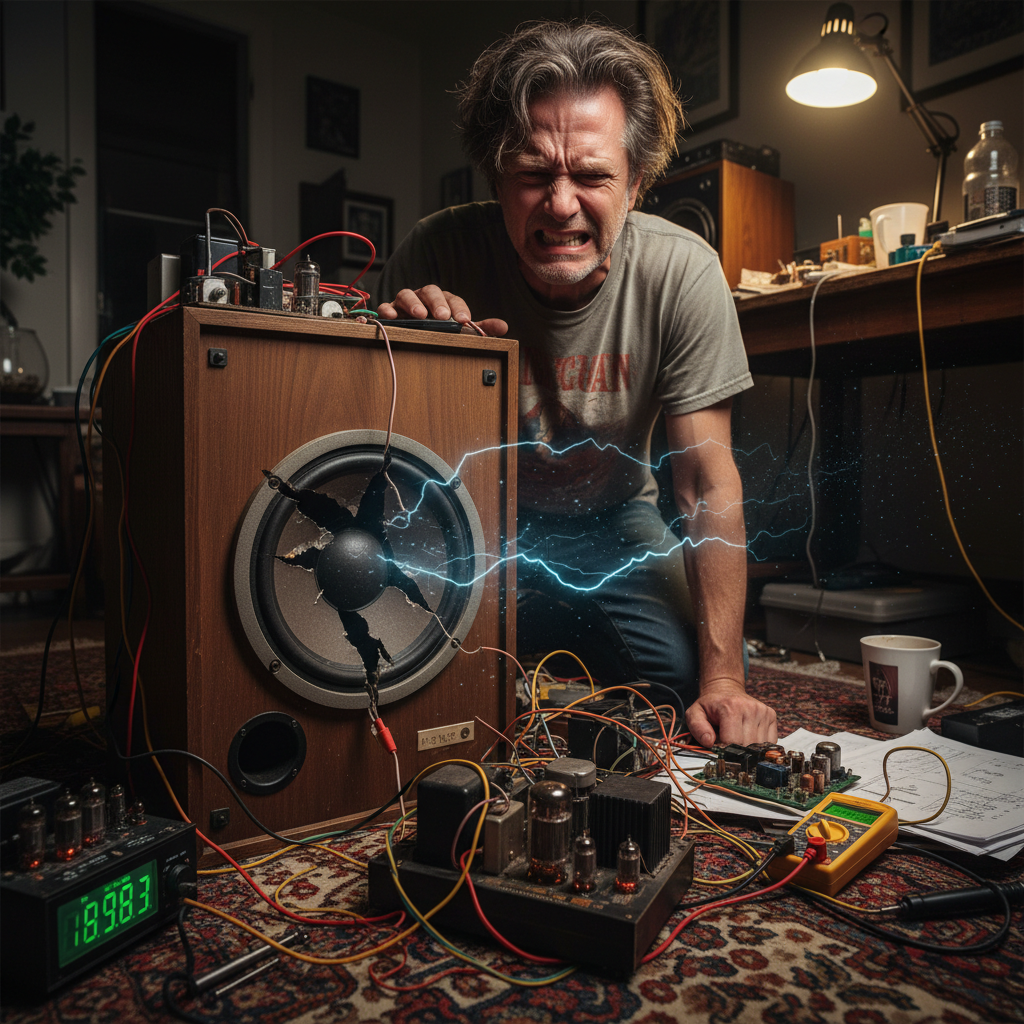
Another major reason for crackling audio is physical damage or wear to the speaker itself. Speakers are delicate mechanical devices with several moving parts. The cone, the surround (the flexible ring around the cone), and the voice coil (a wire coil inside the speaker magnet) all work together to produce sound. If any of these components are damaged, they won’t move correctly, leading to distorted sound. This can happen from dropping a speaker, exposing it to extreme temperatures, or simply from prolonged use at high volumes, which can literally tear the speaker components.
**Safety Consideration:** If you suspect speaker damage, especially to the voice coil, continuing to play audio through it can worsen the problem and potentially damage your amplifier. A tell-tale sign of a damaged voice coil is a scratching or rubbing sound when you gently press on the speaker cone. A torn surround might be visible as a rip or detachment around the edge of the cone. In many cases of physical speaker damage, especially with cheaper speakers, replacement is the most practical and cost-effective solution. For more expensive speakers, professional repair might be an option.
Actionable Tips and Common Mistakes to Avoid
Beyond signal clipping and speaker damage, several other factors can cause crackling audio, many of which are easy to fix. Start by checking your cables. Loose or damaged audio cables are a frequent culprit. Ensure all connections are snug and that the cables themselves are not frayed or pinched. Try swapping out cables one by one to isolate a faulty one. Similarly, dirty or corroded connectors can impede electrical signals, so gently clean them with a contact cleaner or rubbing alcohol if they appear tarnished.
Another common mistake is ignoring the source of the audio. If the crackling only happens with certain music files, video streams, or specific apps, the problem might be with the audio *source* itself, not your speakers or amplifier. Try playing different media or using a different streaming service to diagnose if the issue is universal or specific. Always update your audio drivers on computers, as outdated drivers can cause a myriad of sound problems. Finally, remember that interference from other electronic devices, especially those with strong electromagnetic fields like power supplies or sometimes even Wi-Fi routers, can introduce unwanted noise into your audio signal. Try moving your audio equipment away from such devices or using shielded cables to minimize interference.